
Although the WebP format offers excellent compression efficiency, its format compatibility issues still exist. Our multi-format conversion solution ensures perfect **format compatibility**:
Compatibility Issue Scenarios:
- Legacy design software cannot open WebP
- Some content management systems don't support WebP uploads
- Specific social media platforms cannot recognize it
- Enterprise intranet system compatibility limitations
Core Conversion Solutions:
WEBP to PNG
- Application scenarios: Graphics requiring transparent backgrounds
- Advantages: Perfectly preserve image quality and support transparency
- Best practices: Logos, icons, UI elements
WEBP to JPG
- Application scenarios: Photo content pursuing maximum compatibility
- Advantages: Ensure normal display on all devices and platforms
- Best practices: Product images, photographic works
Extended Conversion Support:
- HEIC to JPG/PNG: Solve Apple device photo sharing issues
- JFIF to PNG/JPG: Standardize special format files
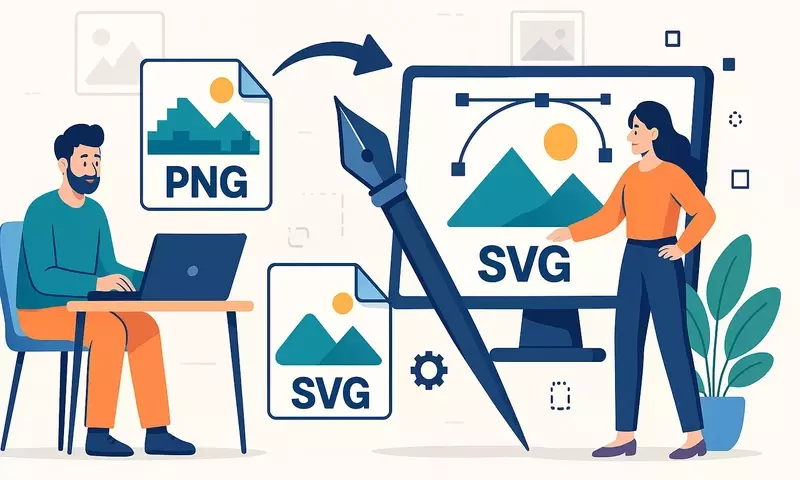
- SVG to PNG: Vector graphic rasterization processing
- PNG to JPG: Significantly reduce file
Conversion Process:
- Identify source file format (supports automatic detection)
- Select target format according to requirements
- Process using our conversion tool
- Download converted files
Our image format conversion tool provides instant processing with no limits on file quantity, supporting interconversion between all major formats.